
 0918006093
 Tin tức
 Khuyến mãi
 IPHONE
 IPAD
IPAD


Ứng dụng lọc video tốt nhất cho iOS và Android
Th12
Những Ứng Dụng Lọc Video Tốt Nhất Cho iOS và Android
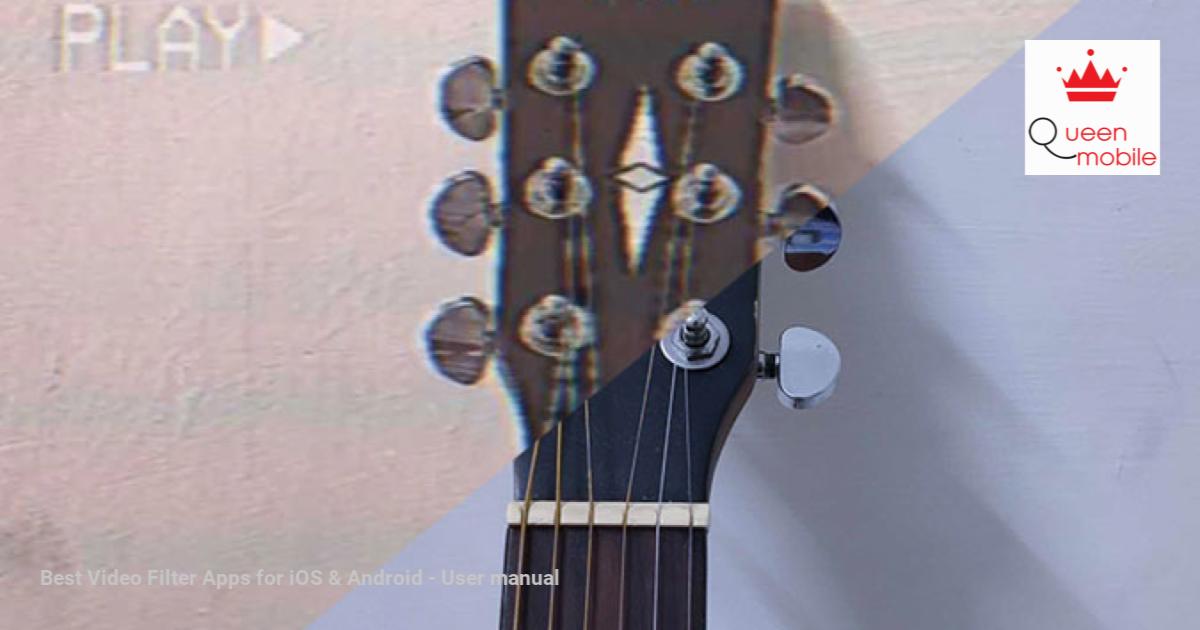
Mặc dù hầu hết các ứng dụng máy ảnh di động đều có một số loại lọc video cơ bản, chúng thường chỉ cung cấp các tùy chọn hạn chế. Tuy nhiên, có rất nhiều ứng dụng lọc video chuyên biệt mà làm việc tốt hơn. Vì vậy, nếu bạn muốn tạo ra một phong cách độc đáo cho video của mình, dưới đây là những ứng dụng lọc video tốt nhất trên iOS và Android. Hãy cùng tìm hiểu ngay!
1. VHS Camcoder
Nếu bạn chưa từng nghe về VHS, hãy hỏi ông bà của bạn về video kỷ niệm hôn nhân của họ từ cuối thập kỷ 90. Với công nghệ tiến bộ, bạn không thể tìm thấy kiểu dáng cũ trên camera, nhưng bạn luôn có thể làm mô phỏng nó trên điện thoại với ứng dụng này. Ứng dụng này có giao diện cổ điển và cho phép bạn làm mô phỏng kiểu dáng cũ và lỗi thời của video VHS. Bạn có thể có ngày và giờ cổ điển cùng với tính năng phóng to trên màn hình. Phiên bản miễn phí đủ cho hầu hết mọi người, tuy nhiên, nếu bạn muốn thay đổi ngày tháng, có nhiều kiểm soát hơn về lỗi và các tính năng tương tự, bạn có thể nâng cấp lên phiên bản Pro với giá 3 đô. Tải VHS Camcoder cho (iOS | Android)
2. PXL2000 – 80s Pixelvision Cam
Nếu bạn đã chán ngấy với cách mô phỏng video VHS, PXL2000 sẽ đưa bạn trở về quá khứ hơn nữa. Ứng dụng mô phỏng chiếc máy quay đen trắng huyền thoại từ thập niên 80, được nhiều người coi là một món đồ sưu tập. Nếu bạn chưa biết cách ứng dụng này hoạt động vào năm 2020, thì đó vẫn là một ứng dụng tương tự, với rất ít tính năng nhưng sự thêm vào chức năng. Ví dụ, bạn có thể kích hoạt đường dẫn, sử dụng tilt & shake để làm hỏng chất lượng và điều chỉnh độ phân giải video. Một tính năng khác thú vị là cài đặt âm thanh, cho phép bạn mô phỏng âm thanh tín hiệu gốc của máy quay. Nhược điểm duy nhất là ứng dụng có giá 1,99 đô. Tải PXL2000 – 80s Pixelvision Cam cho iOS
3. Super 16
Những ứng dụng trước đây được thiết kế để chụp cho một kiểu dáng cổ điển nhất định. Tuy nhiên, nếu bạn muốn thử nghiệm nhiều lọc film video khác nhau, ứng dụng này là sự lựa chọn tốt hơn. Super 16 cho phép bạn mô phỏng video bình thường của bạn giống như máy quay 16mm film. Bạn không chỉ có thể quay ngay trên thực tế mà còn có thể sử dụng video từ thư viện. Có hơn 70 bộ lọc, như Kodak Vision, tetrachrome, v.v. Một trong những tính năng chính mà nó mượn là hiệu ứng đốt film, có thể sử dụng với một lần chạm để có được hiệu ứng đốt khi bạn đang quay video. Phiên bản miễn phí của ứng dụng này có giới hạn về các bộ lọc video, tuy nhiên, bạn có thể nâng cấp lên phiên bản Pro với giá 6 đô, mở khóa tất cả các bộ lọc và khung film. Tải Super 16 cho Android
#iOS #Android #ứng_dụng_lọc_video #video_filter_apps #iOS_and_Android
4.1K
Even though most smartphone camera apps have some kind of basic video filter overlays, they often offer limited options. There are tons of dedicated video filter apps that do a better job. So, if you want to give you footage a unique look, here are the best video filter apps on iOS & Android. Let’s jump right in!
Read Best Free Video Editor For Vlogs on Android and iOS
1. VHS Camcoder
If you’ve not heard of VHS, ask your parents about their marriage footage from the late 90s. Since technology evolves, you wouldn’t find the old look in cameras, but you can always stimulate it in your phone with this app. The app has a vintage UI and lets you stimulate old and glitchy look of VHS recordings. You get the classic date & time stamp along with an on-screen zoom feature.
The free app is enough for most, however, if you want to spoof the date, have more glitch control, and other similar features. You can upgrade to Pro for $3.
Get VHS Camcoder for ( iOS | Android )

2. PXL2000 – 80s Pixelvision Cam
If you’re already got bored of the VHS cam stimulations, the PXL2000 will take you back further in time. The app stimulates the legendary black and white toy camera from the 80s, which is also considered a collector’s item by many. If you’re curious how the app fares in 2020, it’s the same, with very few features but added functionality. For example, you can enable tracking lines, use tilt & shake to mess with the quality and tweak the video resolution as well. Another cool feature is the audio setting, which lets you mimic the low fidelity audio as the original camcorder.
The only downside is that the app comes at a cost of $1.99.
Get PXL2000 – 80s Pixelvision Cam for iOS

3. Super 16
The previous apps were dedicated to shooting for a certain vintage look. However, if you want to try out multiple film video filters, this app is a better choice. Super 16 lets you stimulate your normal footage like 16mm film cameras do. You can not only capture live footage but also use videos from the gallery. There are more than 70 filters, like Kodak Vision, tetrachrome, etc. One of the major features it borrows is the film burn effect, which can be used with a single tap to get a burning effect while you’re recording the video.
The free version of this app has a limit to video filters, however, you can upgrade to the Pro version for $6, which unlocks all filters and film frames.
Get Super 16 on Android

4. 90s – Glitch & Vaporwave Video Effects
Glitchy and Trippy looking videos are in trend on Instagram, especially with the teens and young adults mainly because of the excessive use in hip-hop music videos. This app lets you create a similar effect to your videos. It has a very unique vertical layering way of using filters. For example, When you capture or import a video. Rather than applying a filter to the entire video, you can tap on a specific filter, to apply it to that duration. This way you can apply multiple filters to the same video.
You can upgrade to the Pro subscription at $3/month to removes the watermark and unlocks all pro filters. Here’s a similar app for iOS.
Get 90s – Glitch & Vaporwave Video Effects for Android

5. PREQUEL
Prequel has a huge database of both filters and frames for your video. It has tons of conventional filters such as music video filters, fashion, reflection, etc. There is a little bit of freedom in terms of playing with the color as you can adjust the light, contrast, temperature, and more such attributes. It’s interesting to see, that the live recording feature just works on iOS, and slow-mo and beauty filter also seems to be missing from Android. So, if you’re using iOS, be ready for a far smoother and richer UI.
The app is free, but you can get Prequel Gold for $3.5/week along with a 3-day trial which gives you more filters and advance editing tools.
Get Prequel for ( iOS | Android )

6. Indie Video Effect
If you absolutely love Prequel and don’t want to experiment with a new app, there is nothing much I can do. But if you’re an Android user, Prequel doesn’t have much to offer in the free version, so a feature-packed obvious choice is this app. It has everything from glitter filters, aesthetic filters, and even a few a unique polaroid style filter. Additionally, you can use other generic video editor features like, trim a video add music, add text, and also change the frame size as well.
The only downside is that it adds a watermark on the videos which can be removed with the Pro version which comes at $2.99/month. This also removes the bottom banner ads in the app.
Get Indie Video Effect for Android

7. KineMaster
KineMaster is one of the most powerful video editors for Android. And turns out, it also has a huge collection of video filters. Although the app consists of a few free filters like mosaic, spiral, rolling ball, etc. You have an array of more filters in the KineMaster asset library grouped into, artistic, distortion, lens filters, etc. These can be applied to multiple video layers and adjusted accordingly. You can stick to the free version if you’re happy with the free filters. But if you edit a lot, having the entire toolset at your disposal can be very helpful.
You can remove the watermark and access thousands of filters and other assets by subscribing to the Premium version which is priced at $3.99/month
Get KineMaster for ( iOS | Android )

Now that you know some of the best video filter apps that can help you mimic a different look altogether, you can skip those boring Instagram filters which have become more mainstream. If I were to suggest you an app, that’d be VHS camcorder and Super 16, because I’ve used them extensively and I absolutely love them. Since this is an ever-growing list, if you have a filter app that you would like us to add, don’t forget to comment below!
Also Read Best Blue Light Filter Apps For Android
[ad_2]
