
 0918006093
 Tin tức
 Khuyến mãi
 IPHONE
 IPAD
IPAD


Hướng dẫn chi tiết cách Root Tecno Pova 6 Neo bạn cần biết

Th11
Cách root Tecno Pova 6 Neo
Để root Tecno Pova 6 Neo có nghĩa là bạn đang có quyền truy cập quản trị vào hệ điều hành của thiết bị, cho phép người dùng thực hiện các thay đổi và sửa đổi mà không thể thực hiện được với quyền người dùng bình thường.
Tecno Pova 6 Neo chạy trên hệ điều hành Android 14, được trang bị bộ xử lý Mediatek MT6835T. Đây là một điện thoại thông minh dual SIM hỗ trợ thẻ nano SIM, các tùy chọn kết nối bao gồm GPS, 5G, WIFI, Bluetooth, vv. cảm biến bao gồm giác quay, tiệm cận, trọng lực, vv.
Trước Khi Bắt Đầu:
– Sao lưu dữ liệu quan trọng
– Sạc thiết bị của bạn
– Mở khóa bootloader theo phương pháp chính thức
– Tải về các tệp cần thiết: Magisk Manager, firmware Tecno Pova 6 Neo cho boot.img, liên hệ tôi để nhận kernelsu, root, thay đổi khu vực, unbrick, frp và mở khóa (Phải trả phí)
Cách Root Tecno Pova 6 Neo LI6 bằng Magisk:
1. Tải Firmware mới nhất: tải firmware Tecno Pova 6 Neo từ liên kết ở trên
2. Trích xuất và chuyển boot.img vào điện thoại
3. Cài đặt Magisk Manager trên Tecno Pova 6 Neo
4. Patch boot.img bằng Magisk Manager
5. Chuyển patched boot vào PC
6. Bật USB Debugging và OEM Unlock trên điện thoại
7. Kết nối điện thoại với máy tính ở chế độ FastbootD
8. Flash tệp đã patched
9. Khởi động lại điện thoại của bạn
Chúc mừng! Tecno Pova 6 Neo của bạn đã được root thành công.

Rooting Tecno Pova 6 Neo means gaining administrative access to the device’s operating system, which allow the user to make changes and modifications that are not possible with normal user privileges.
The Tecno Pova 6 Neo runs on Android 14 operating system, powered by a Mediatek MT6835T processor. it is a dual SIM smartphone that support nano SIM cards, connectivity Options include GPS, 5G, WIFI, Bluetooth, etc. sensors include gyroscope, proximity, gravity, etc.
Before You Begin:
- backup important data
- charge your device
- unlock the bootloader by following official method
- Download Require Files:
- Magisk Manager
- Tecno Pova 6 Neo firmware for boot.img
- Contact Me for kernelsu, root, region change, unbrick, frp & unlock (Paid)
How to Root Tecno Pova 6 Neo LI6 using Magisk
Download the Latest Firmware:
- first download Tecno Pova 6 Neo firmware from above links
- Note: firmware version you download must match the version currently installed on your Tecno Pova 6 Neo. Mixing firmware versions can lead to unexpected issues and may compromise the rooting process. if the firmware version is different you must flash the firmware first.
Extract and Move boot.img to Phone:
- Extract the downloaded zip file. Here are the Instructions to extract encrypted firmware
- Move the boot.img from the firmware folder to your phone.
Install Magisk Manager:
- Install Magisk Manager on your Tecno Pova 6 Neo
Patch the boot.img:
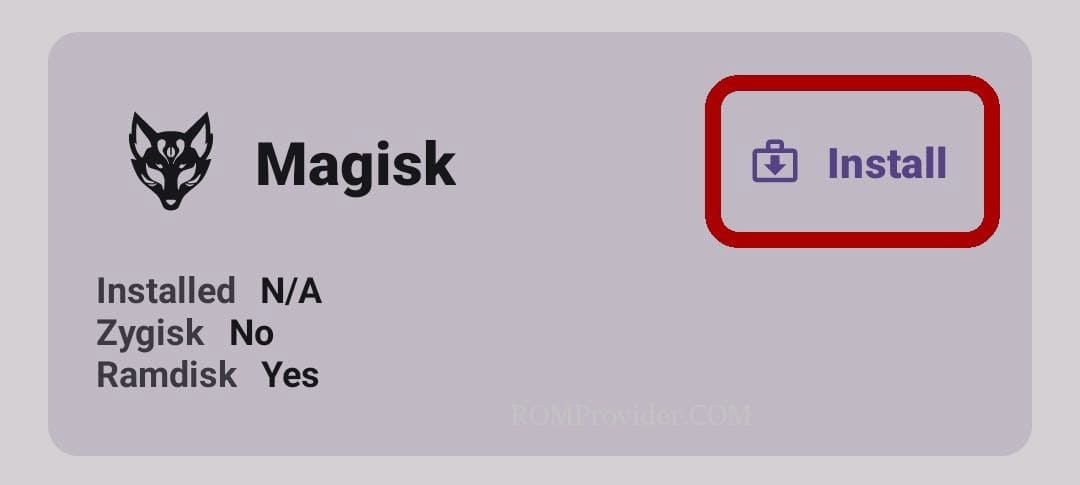
- Launch Magisk Manager.
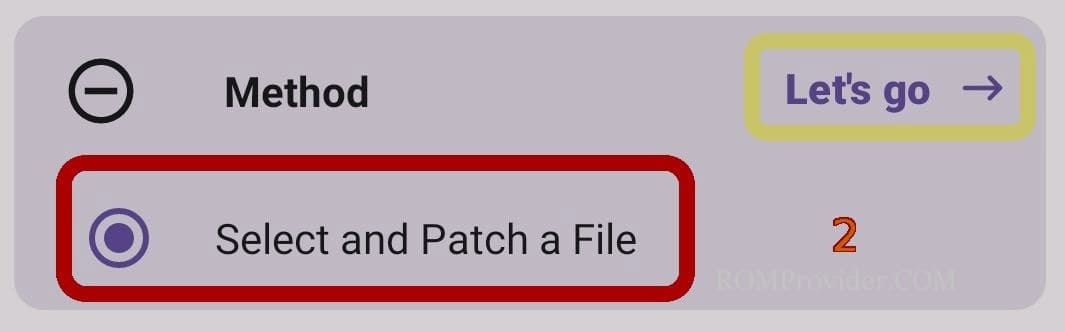
- Click ‘Install’ and choose the patch file.
- Select & patch a File, Locate the
- boot.img and initiate the patching process.
Transfer Patched boot to PC:
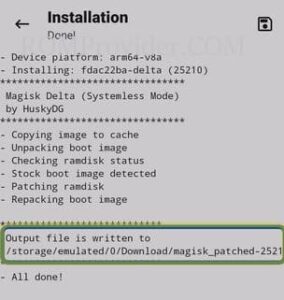
Once the patching is complete, move the patched file to PC > Storage/Download/Magisk-patched.img.
Enable USB Debugging and OEM Unlock:
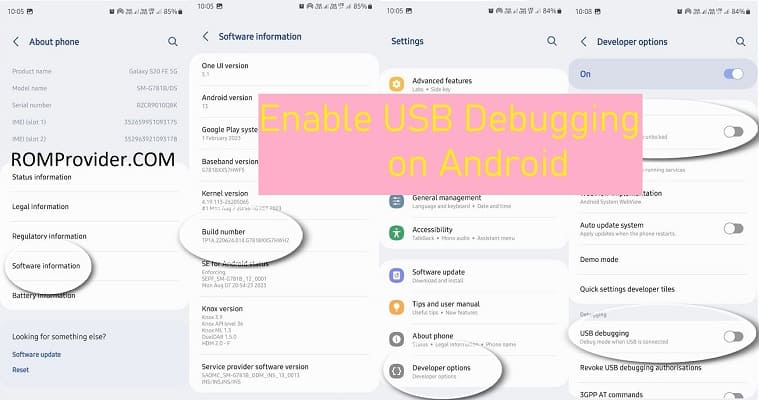
- On your phone, enable USB debugging and OEM unlock from the Developer Options.
Connect Phone to Computer in FastbootD Mode:
Flash Patched File:
- Open the command prompt in the platform tool folder
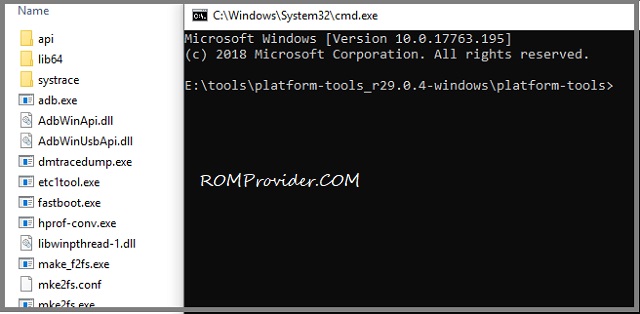
- enter below command to flash rooted file:
fastboot flash boot 'filename'
Reboot Your Phone:
after flashing, reboot your Tecno Pova 6 Neo by sending below command
fastboot reboot
Completion:
Congratulations! Your Tecno Pova 6 Neo is now successfully rooted.
Related: