
 0918006093
 Tin tức
 Khuyến mãi
 IPHONE
 IPAD
IPAD


Chuyển gì khi không thể nâng cấp PC lên Windows 11?
Cách giúp máy tính chạy Windows 10 không nâng cấp lên Windows 11
#Windows10 #Windows11 #Máytính #Nângcấp #Côngnghệ
Sau khi ngày kết thúc dịch vụ của Windows 10 vào tháng 10 năm 2025, việc làm gì với máy tính cũ ngày càng trở nên quan trọng. Đáp án dễ dàng là nâng cấp lên Windows 11, nhưng nếu bạn không thể nâng cấp thì phải làm sao? Trung thành với Windows 10 có phải là cách giải quyết?
Canalys đã đăng một báo cáo về tình trạng các máy tính chạy Windows 10 vào tháng 12 năm 2023. Theo báo cáo, một nhà phân tích dự đoán rằng 240 triệu máy tính chạy Windows 10 sẽ kết thúc trong một mỏ rác sau ngày kết thúc dịch vụ. Vấn đề với rác điện tử đã là vấn đề lớn, và báo cáo nhấn mạnh rằng nó sẽ chỉ trở nên tồi tệ hơn khi mọi người bắt đầu vứt máy tính cũ của họ.
Người ta không thể tồn tại mãi với Windows 10 vì hỗ trợ của nó có một kế hoạch kết thúc. Khi thời điểm này đến, Windows 10 sẽ không nhận bất kỳ cập nhật nào từ Microsoft. Điều này không chỉ là các tính năng mới và sửa lỗi; nó bao gồm cả các bản vá bảo mật. Nếu có bất kỳ lỗ hổng lớn nào trong Windows 10 sau ngày kết thúc dịch vụ, Microsoft sẽ không sửa chúng
Một số người chưa nâng cấp lên Windows 11 vì Microsoft không cho phép họ. Nếu bạn mở Cập nhật Windows, nó sẽ cho bạn biết liệu bạn có thể nâng cấp lên Windows 11 hay không. Nếu bộ kiểm tra này cho rằng máy tính của bạn quá cũ để chạy Windows 11, nó sẽ không cho phép bạn cài đặt hệ điều hành mới hơn.
Vậy bạn có thể làm gì với một máy tính chạy Windows 10 không thể nâng cấp lên Windows 11 nhưng bạn không muốn vứt đi vì đó là phần cứng hoàn toàn tốt? May mắn thay, có rất nhiều cách bạn có thể cứu máy tính chạy Windows 10 của bạn khỏi việc trở thành một phần của một mỏ rác.
1. Trả phí để được hỗ trợ Windows 10
2. Bypass Yêu cầu Hệ thống của Windows 11
3. Thử Linux hoặc ChromeOS Flex
4. Biến nó thành một Dự án Sáng tạo
Sự tuyệt vọng của 240 triệu máy tính đi tới mỏ rác có vẻ, nhưng bạn vẫn là người quyết định về việc xử lí máy tính của bạn sau khi kết thúc dịch vụ của Windows 10. Và trong khi có thể rất muốn vứt bỏ và mua một máy tính mới, bạn có thể sử dụng phần cứng đó với mọi loại phương pháp thay thế.
Quick Links
Key Takeaways
- Windows 10 will no longer receive updates, including security patches, after its end-of-life in October 2025. This will drive people to upgrade to Windows 11.
- A report estimates that some 240 million Windows 10 PCs could end up in landfills after the OS’s end-of-life date.
- Alternatives for old Windows 10 PCs that can’t upgrade to Windows 11 include paying for extended support, bypassing Windows 11 requirements, trying Linux or ChromeOS Flex, or repurposing the PC for creative projects.
SCROLL TO CONTINUE WITH CONTENT
With Windows 10’s end-of-life date arriving on October 14, 2025, the topic of what to do with old PCs is increasingly important. The easy answer is to upgrade to Windows 11, but what if you can’t upgrade? Is sticking with Windows 10 the answer?
Why Would People Throw Away a Windows 10 PC?
Canalys posted a report on the state of Windows 10 PCs in December 2023. In the report, an analyst predicts that 240 million Windows 10 machines will end up in a landfill after the end-of-life date arrives. We already have a big issue with e-waste, and the report claims it’s only going to get worse as people begin to throw out their old computers.
But why would people throw away perfectly good machines running Windows 10?
Lack of Updates Past the End-of-Life Period
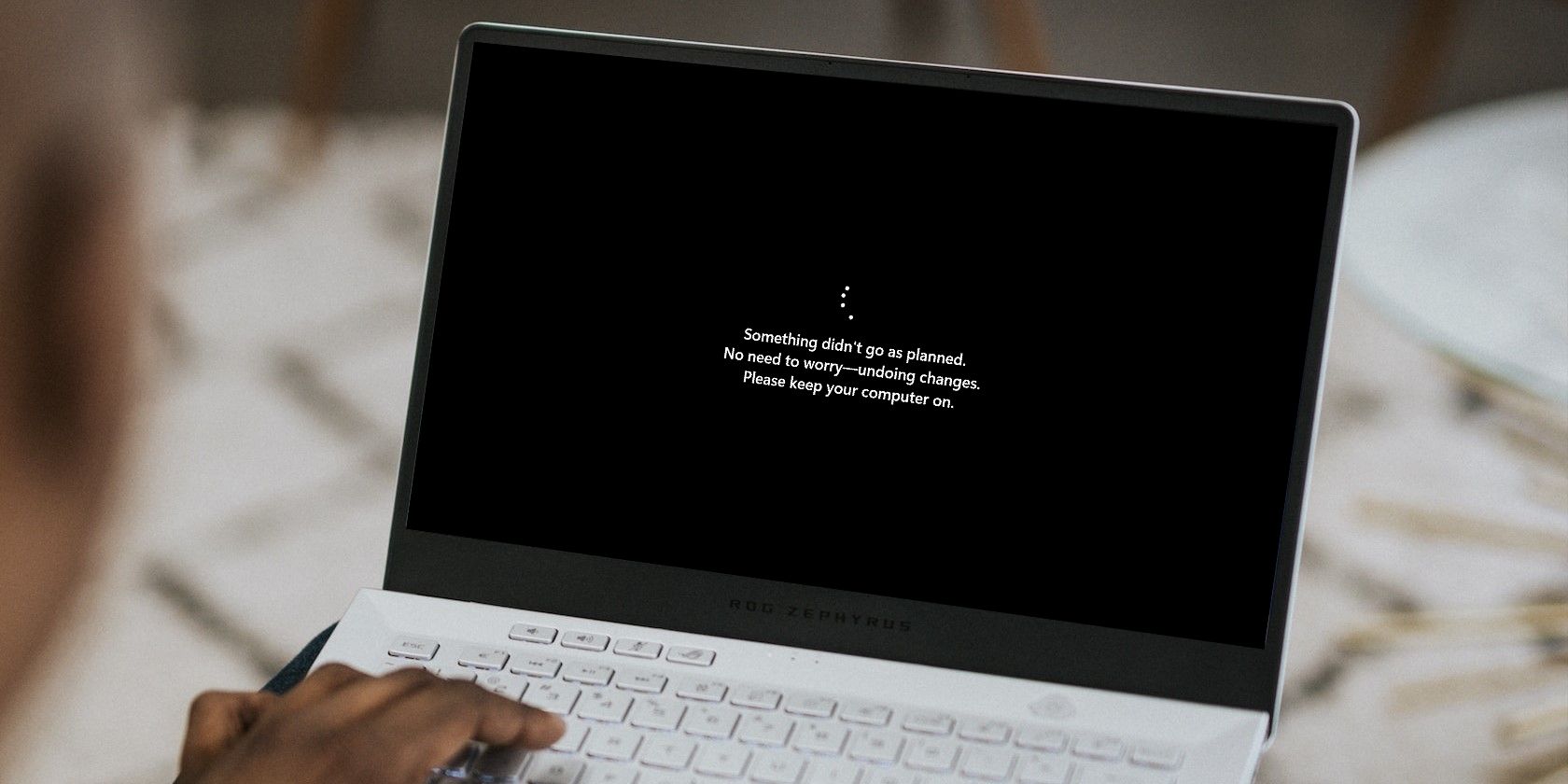
People can’t stick with Windows 10 forever because its support has a planned end. When this comes around, Windows 10 will stop receiving any updates from Microsoft. This isn’t just new features and bug fixes; it includes security patches too.
If any big vulnerabilities are found in Windows 10 after the end-of-life date, Microsoft won’t fix them (perhaps unless they’re really bad). This, in itself, will drive people to get off Windows 10 and upgrade to Windows 11. Unfortunately, upgrading to Windows 11 isn’t possible for everyone.
Windows 11’s Strict Hardware Requirements
Some people haven’t upgraded to Windows 11 because Microsoft won’t let them. If you open Windows Update, it will tell you whether or not you can upgrade to Windows 11.
If this checker deems that your PC is too old to run Windows 11, it won’t allow you to install the newer operating system. Upgrading your hardware can help get your PC over the line, but if your system is beginning to show its age, you may need to upgrade so much hardware that you’re better off buying a new machine.
How to Give Your Windows 10 PC a New Life
So what can you do with a Windows 10 computer that can’t upgrade to Windows 11, but you don’t want to throw out because it’s perfectly good hardware? Fortunately, there are plenty of ways you can save your Windows 10 PC from becoming part of a landfill.
1. Pay for Windows 10 Support

While not ideal, you can pay for additional Windows 10 support time. At the time of writing, we don’t know how much it will cost, but it will be a yearly fee that extends your protection until 2028. Microsoft will then publish security patches for severe exploits.
Given how the paid support will also expire eventually, this plan is best if you just need to, quite literally, buy some time until you can get a new computer that supports Windows 11.
2. Bypass Windows 11’s System Requirements
Alternatively, you can bypass Windows 11’s system requirements. This skips Windows 11’s hardware checks and allows you to install it on any PC you like.
This solution is also unideal, as Microsoft assumes that all PCs running Windows 11 meet the system requirements. As such, you may notice that Windows 11 runs slower than Windows 10, and some features may not work properly for you. However, it’s still arguably safer than using Windows 10 past the end-of-life date.
3. Try Linux or ChromeOS Flex

The term “Linux” is enough to make any Windows fan wince, but things have changed over the years. While it was true that using Linux a decade or two ago was a major learning curve for those who use Windows, modern-day Linux distros are a lot more user-friendly. Best of all, there are plenty of lightweight Linux distros that run on old PCs.
If picking a Linux distro isn’t ideal, you can try ChromeOS Flex. This is similar to turning your PC into a Chromebook running ChromeOS, with a few differences.
We’ve covered these options in more detail in our guide to reviving an old PC without Windows.
4. Turn It Into a Creative Project
Alternatively, you can take the Windows 10 machine off the internet so that attackers can’t breach it. Once it’s off the grid, you can then turn the computer into a creative project that continues to serve you even after you get a new PC. Check out unique creative projects to reuse an old PC for more information.
As drastic as 240 million PCs going to landfill sounds, you are still the master of what happens to your machine once Windows 10’s end-of-life date hits. And while it may be tempting to throw it away and get a new computer, you can put that hardware to good use with all kinds of alternative methods.
[ad_2]
